
Traffic: A WordPress SEO audit can make your website faster than most people think. Many site owners still make simple mistakes in the process. Such mistakes silently hurt rankings, reduce traffic, and make content difficult to find on search engines. Search engines may drop pages from their ROM search results entirely, often without any obvious warning.
That’s why a proper SEO review matters so much. The process is also known as website analysis. Both focus on checking website health and locating issues that hurt online visibility.
Sometimes the problem is not subpar content. Technical errors stay hidden for months. Slow pages, broken links, weak mobile design, and indexing issues slowly push a website lower in search rankings. As a result, traffic drops even when we publish fresh articles regularly.
Many WordPress users install SEO plugins and think everything is fine. Still, plugins do not resolve more profound issues on their own. A proper audit should examine content, website structure, loading speed, and user experience together.
Some mistakes appear small at first. But they affect organic traffic badly over time. When you learn about these problems early, you can prevent a site from losing valuable visitors later.
Ignore Website Speed Issues
One of the biggest mistakes in a WordPress SEO audit is to ignore page speed. Visitors get annoyed with slow websites in no time. People usually wait just a few seconds for a page to load.
Search engines see this behavior too. Rankings can fall away over time if users leave quickly.
Large image files can cause speed issues on WordPress sites. Heavy themes can also slow down page loading unnecessarily. Furthermore, if you have too many plugins, it increases loading time and creates extra requests in the background.
Some website owners only care about speed on desktops. Meanwhile, mobile users are suffering from poor performance every day. Most of the traffic is coming from phones, so mobile optimization is more important than ever.
Caching plugins can improve loading speed. Compressed images make a difference too. Dependable hosting can also fix performance issues.
A website can be visually appealing, but bad speed is slowly killing search visibility in the background.
Forgetting About Mobile Experiences
Another mistake people often make when performing a WordPress SEO audit is ignoring mobile usability. A site may look fine on a laptop but be annoying on a phone screen.
tiny text is difficult to read. Buttons too close together is another thing that hurts user experience. Some sites still have layouts that totally fall apart on smaller screens.
Google places a lot of emphasis on mobile-first indexing now. This means the mobile version of a website is more important than the desktop version in numerous instances.
Visitors want to move easily. People leave fast if pages are difficult to navigate. This results in increased bounce rates and lower rankings.
Popups are another issue. Big intrusive popups that take the whole screen are really annoying for users. That’s often a negative experience for search engines.
In general, a simple mobile design works better than a complex layout with many unnecessary effects.

Skip broken link checking
Broken links are often ignored during an SEO audit. Still, they create serious problems for both users and search engines.
Visitors lose trust immediately when they click a link and land on an error page. Search engines also treat broken pages as a sign of poor website maintenance.
WordPress websites grow quickly over time. People delete articles, change URLs, and move categories from one place to another. Because of these changes, regular checks do not happen, and broken links appear naturally.
Internal broken links are detrimental for crawlability. If the site structure is messy, search engines have a difficult time discovering the pages correctly.
External broken links also hurt credibility. Linking to outdated pages leads to a bad reading experience.
Regular link audits protect the health of the website. Redirecting old urls properly can help save rankings and also improve navigation.
If you ignore this issue for too long, it can slowly weaken the whole website structure.
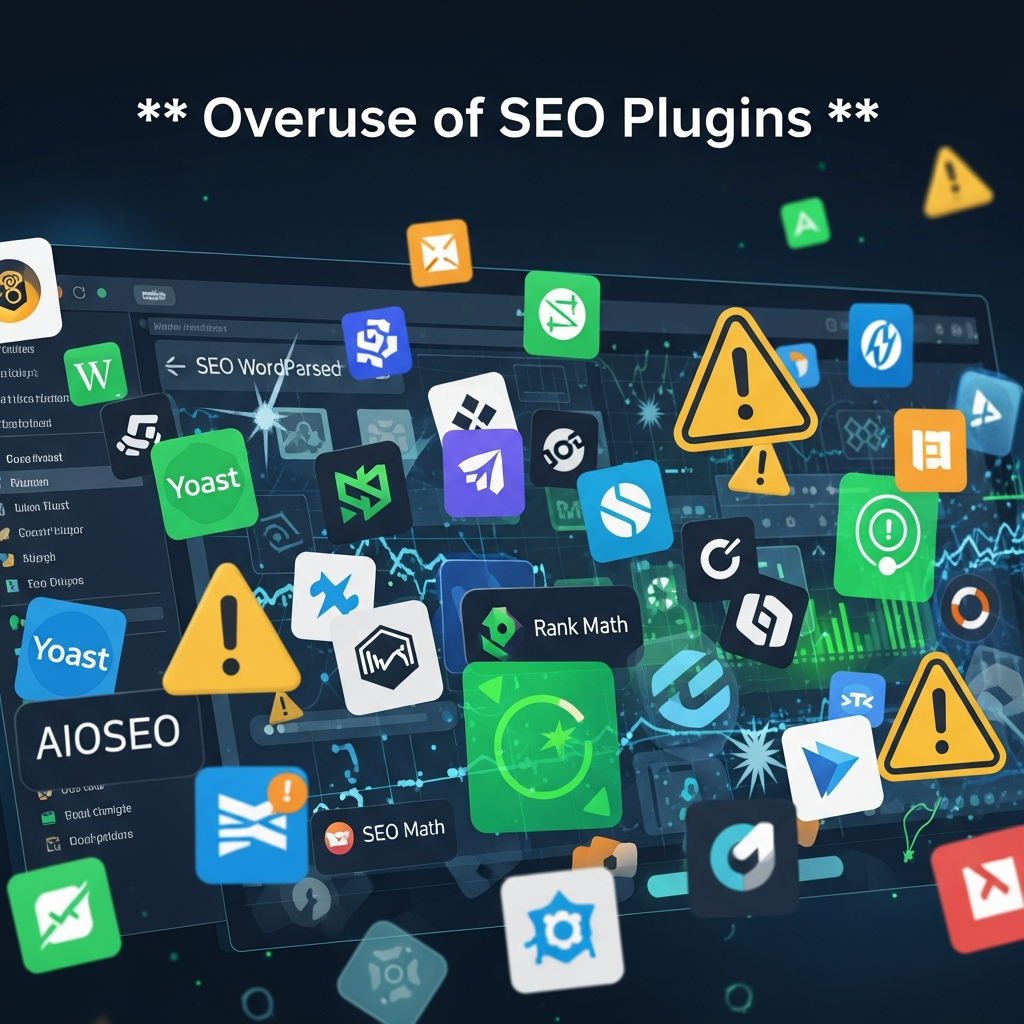
Overuse of SEO Plugins
Many WordPress users are trying out several SEO plugins simultaneously. They are convinced extra tools will help boost rankings quicker. But the outcome is that there is areversale in practice.
Sometimes different plugins create conflicting settings. One plugin may generate metadata, and another tries to override it. This situation confounds and is detrimental to indexing and optimization.
Additional plugins also slow down performance. Some load unnecessary scripts and queries to the DB on every page.
A plugin review is a necessary part of a WordPress SEO audit. Remove unused plugins right away. Old tools should be upgraded or replaced as well.
Normally one decent SEO plugin is enough for a website. Simple setups often outperform overloaded systems that are crammed with unnecessary features.
The same problem exists with analytics and optimization tools. Too much software creates clutter rather than improvement.
Ignoring Content Quality
Many website owners focus too much on technical SEO and not enough on content. But bad content can ruin rankings even if the technical settings are correct. spot on.
Thin articles rarely succeed today. Search engines love useful and relevant information that actually helps the readers.
Another big mistake is keyword stuffing. Some people stuff the main keyword into every paragraph. This makes the content sound unnatural and difficult to read.
A proper WordPress SEO audit should include a thorough review of older articles. Older posts may contain incorrect information or be formatted poorly.
The content should be clear and conversational. Short paragraphs help with readability. Natural language that keeps the reader engaged for longer.
Duplicate content is an issue, too. Copied articles, WordPress category pages, and tag archives can badly confuse search engines.
Refreshing old content is better than constantly rushing out new articles.
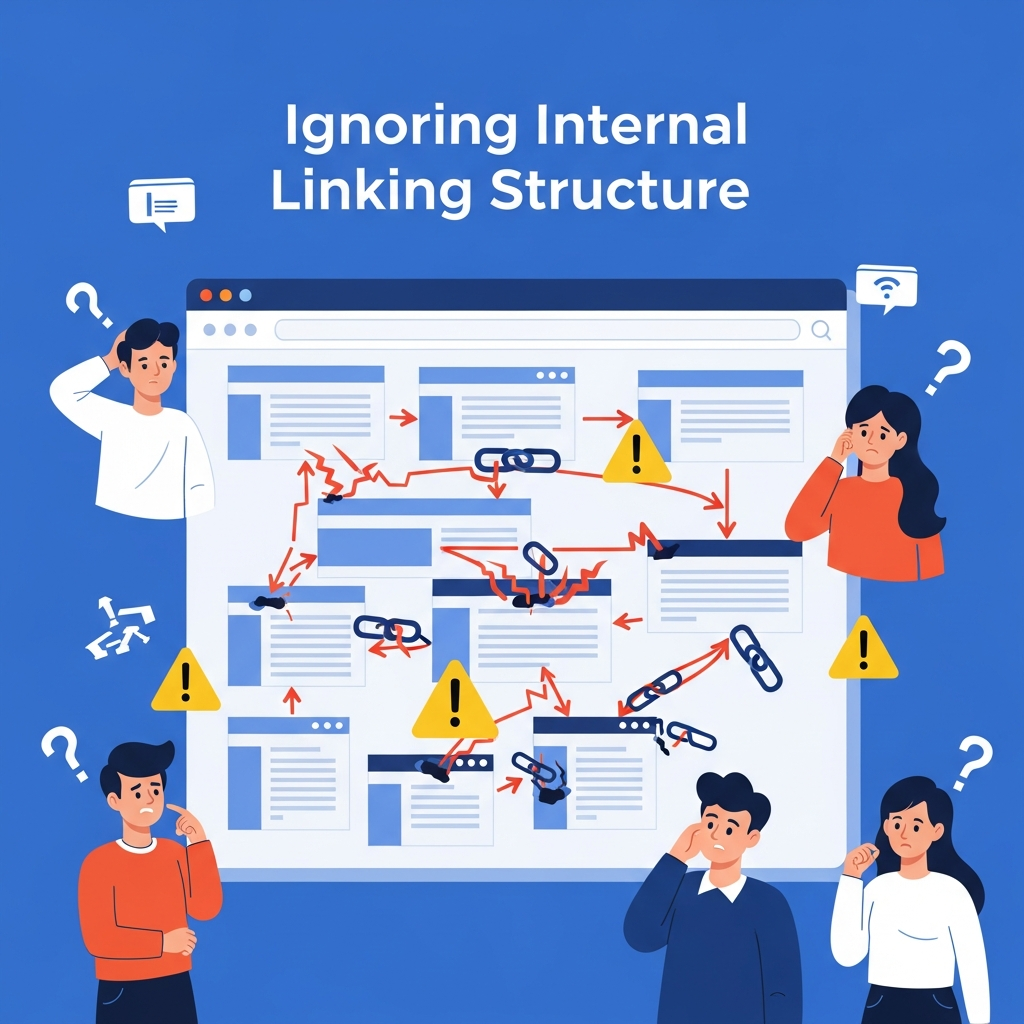
Ignoring Internal Linking Structure
Internal links tell search engines about the structure of a website. Unfortunately, many WordPress sites are very destitute of implementing these links.
Some articles receive many links; some remain totally isolated. Those lonely pages are called orphan pages. They typically get very little traffic because search engines have a difficult time finding them.
Internal linking also improves the user experience. When you correctly place links in articles, readers naturally explore related subjects.
Overlinking is a further common problem. Having too many internal links on a single page is spammy and distracting.
Anchor text matters as well. Generic phrases like “click here” are contextless. Descriptive wording may help search engines determine the relevance of a page.
A smart internal linking strategy strengthens the whole website over time. It also naturally distributes authority to important pages.
Don’t skip this part of an SEO audit, or you’ll miss out on valuable opportunities.
Forgetting the basics of technical SEO
Technical SEO sounds complicated, so many site owners just avoid it altogether. Unfortunately, this mistake can seriously hurt your rankings.
WordPress websites often face indexing issues. Sometimes robots.txt settings accidentally block pages. In other cases, important content fails to appear in search results because of noindex tags.
XML sitemaps also need regular checking. A missing or outdated sitemap can slow down indexing and reduce search visibility.
Canonical tags are important too. Without the proper canonical settings, duplicate pages confuse search engines.
HTTPS security is still important too. People tend to trust secure websites, and they tend to rank higher.
Redirect chains are a separate, significant issue/problem. Too many redirects can interfere with load times and waste your budget.
Technical SEO problems often go unnoticed until traffic drops dramatically. That’s why regular audits are so important.
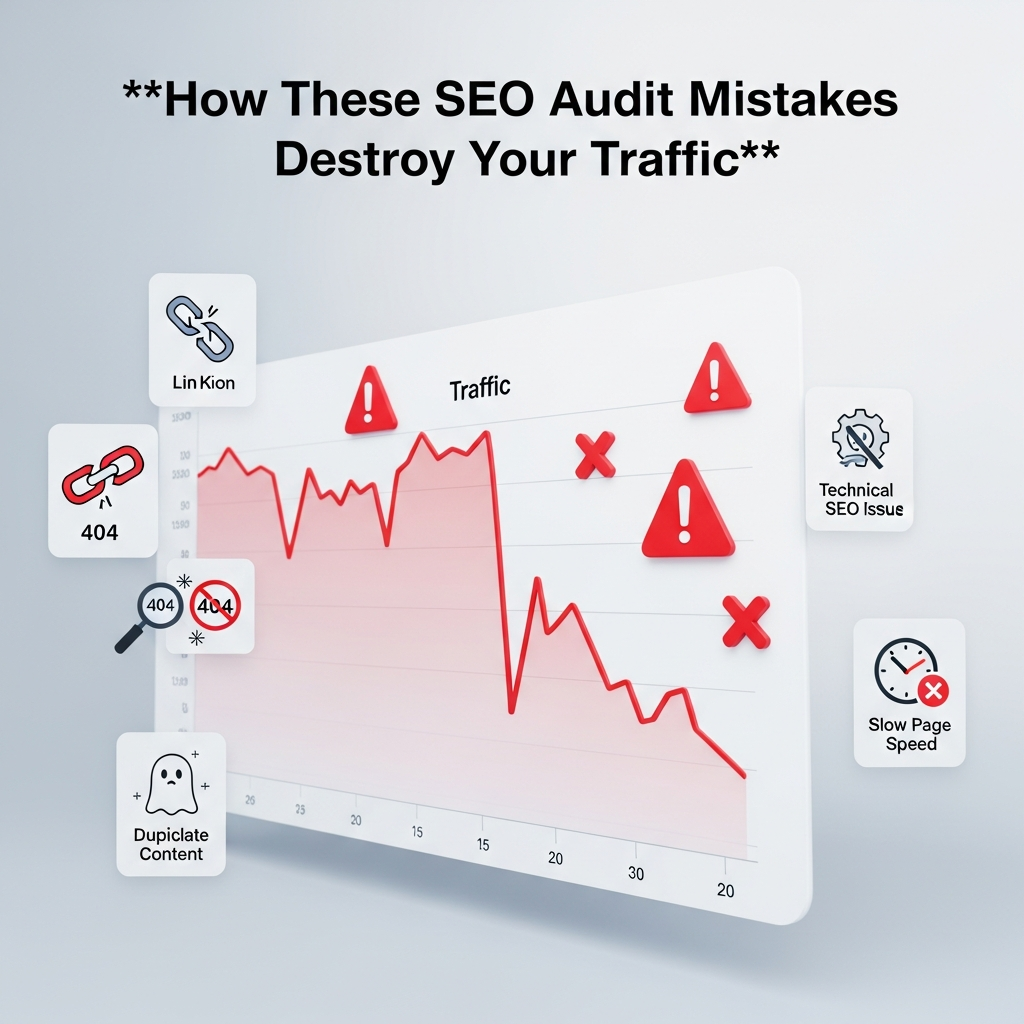
How These SEO Audit Mistakes Destroy Your Traffic
Each of the mistakes listed above affects search visibility in different ways. Some reduce crawl efficiency, others directly harm the user experience.
Search engines love fast-loading websites that load quickly, are well-structured, are secured, and provide valuable content. When a WordPress website is lacking in these areas, rankings tend to fall over time.
It’s rare to see traffic disappear overnight. Usually rankings decline slowly month over month. Too often, site owners discover the problem too late.
A full WordPress SEO audit identifies these problems before they escalate out of control. A small fix early on can prevent a larger drop in rankings later.
Keywords don’t matter anymore for SEO. Search engines look at quality, structure, and performance as a whole.
Easy Ways to Make a WordPress SEO Audit Better
First, keep it simple. Too many plugins, complicated designs, and unnecessary features often lead to more problems than solutions.
You should take care of website speed first. Faster pages immediately improve the user experience.
Content updates are important too. Old articles should be correct and relevant. Readers love new information that fits real questions just right.
Mobile testing should be included in every audit routine. Pages still need to be easy to use on user-friendly screen sizes.
Regular broken link checks help maintain website quality as well. mistakes can prevent bigger SEO issues later.
The technical settings may seem confusing at first. Still, simple things like correcting indexing errors and updating sitemaps can have a noticeable impact on rankings.
Closing Thoughts
A WordPress SEO audit is not just about finding errors. It is about figuring out what is holding a website back from growing properly.
Small errors often cause bigger traffic issues in time. Poor mobile experience, broken links, weak content, and technical difficulties all affect rankings in the background, quietly.
The remarkable news is that persistent improvements can fix most of these problems. A clean website structure, useful content, and proper optimization naturally create better results.
Instead of chasing shortcuts, focusing on practical SEO improvements usually works better in the long run. Websites that offer a smooth user experience and useful information usually perform well consistently.
Traffic growth takes time. But over time, avoiding these common SEO audit errors in WordPress can have a significant impact.