
Introduction
Many websites lose mobile traffic without realizing what is actually going wrong. The design may look fine on desktop, the content may be useful, and someone may have already added the keywords properly. Still, rankings slowly start dropping on mobile search.
In most cases, the issue arises from a weak mobile SEO audit.
Some people also call it a mobile search analysis or mobile optimization review. The purpose stays the same. It helps uncover the hidden problems affecting mobile visibility and user experience.
Small mistakes on mobile devices often go unnoticed for months. Slow loading pages, poor layout adjustments, broken mobile elements, and weak navigation quietly damage rankings over time.
The good thing is that we can fix most of these issues once we identify them properly.
Below are seven mobile SEO audit errors that secretly drain traffic and reduce search visibility.
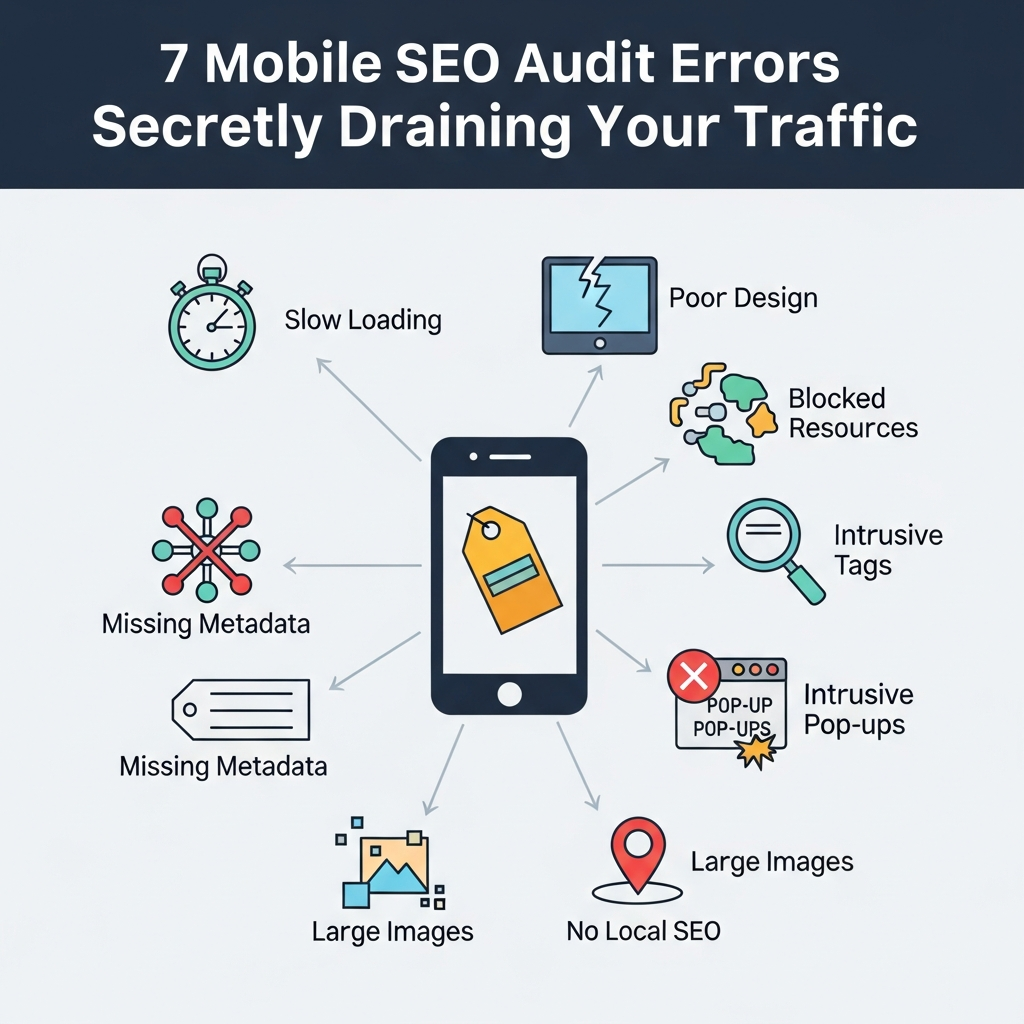
Ignoring Mobile Page Speed
Page speed plays a giant role in mobile SEO.
People using phones expect websites to load quickly. If a page takes too long, most visitors leave before reading anything.
Many websites look fast on desktop but perform badly on mobile devices. Large images, unnecessary scripts, and poor hosting usually create the problem.
Google also pays close attention to mobile speed now. Slow websites often struggle to rank properly.
A proper mobile SEO audit should always check the following:
Loading speed
Image size
Script performance
Core Web Vitals
Server response time
Even a small improvement in speed can reduce bounce rate and improve mobile traffic.
Using a Poor Mobile Layout
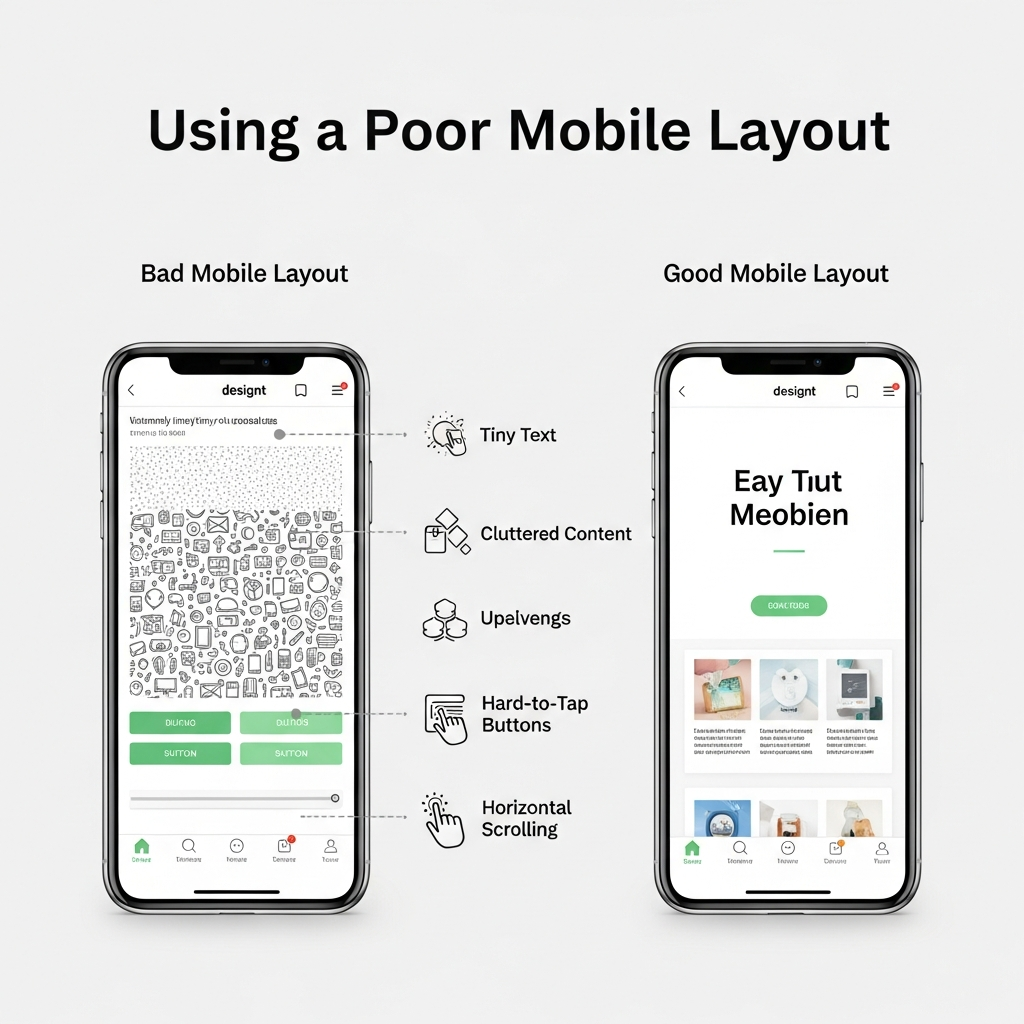
Many websites shrink desktop designs into smaller screens without thinking about mobile users.
That creates a frustrating experience.
Text becomes difficult to read. Buttons appear too close together. Visitors struggle to navigate the page properly.
A mobile-friendly layout should feel clean and simple. People should scroll naturally without zooming constantly.
Navigation menus also matter a lot. If users cannot find information quickly, they leave the website.
A proper mobile SEO audit should test the website on different screen sizes instead of checking only one device.
Good mobile usability often improves engagement and conversions naturally.
Blocking Important Mobile Content
Some websites hide important content on mobile devices to create a cleaner design.
That can hurt SEO badly.
Google now mainly uses the mobile version of a website for indexing. If valuable content disappears on mobile, rankings may drop.
Important text, headings, internal links, and structured information should stay visible across all devices.
Many websites accidentally remove useful sections from mobile pages without realizing the SEO impact.
During a mobile SEO audit, you should carefully compare both the desktop and mobile versions.
The content should remain consistent everywhere.
Ignoring Mobile User Experience
Our mobile user experience quietly damages rankings.
Visitors leave quickly when pages feel confusing or difficult to use.
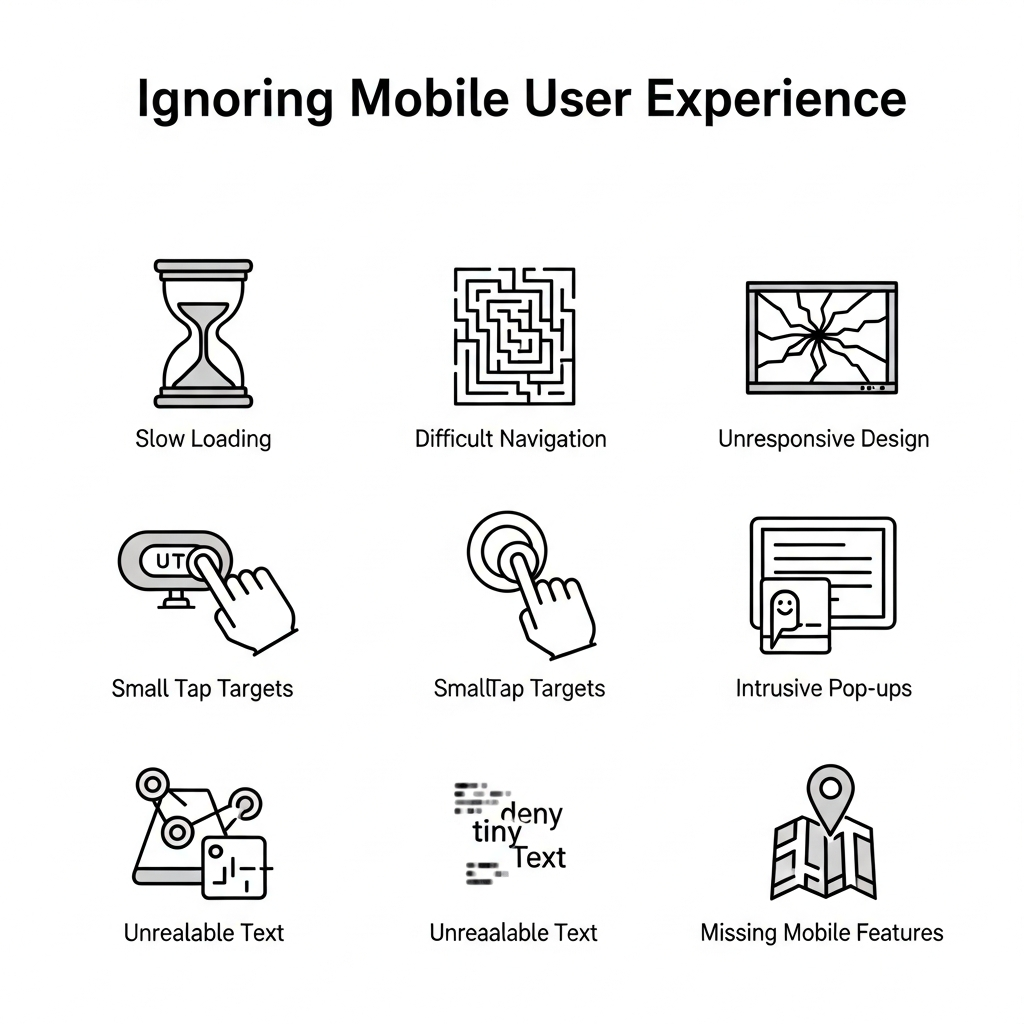
Large popups create one major issue. Full-screen ads covering the content frustrate users immediately.
Tiny fonts also create problems. People should never struggle to read content on a phone.
Another common mistake is weak spacing. Buttons placed too closely together increase accidental clicks.
Important mobile usability areas include:
Easy navigation
Readable text
Clean layout
Fast loading
Proper button spacing
Google pays attention to user behavior signals. Better user experience usually leads to stronger mobile rankings.
Forgetting Mobile Technical SEO Checks
Technical SEO problems often appear differently on mobile devices.
Some pages load correctly on desktop but break completely on phones.
Broken elements, blocked resources, and mobile indexing issues can quietly hurt rankings.
Redirect problems also affect mobile traffic badly. Users clicking a page should land on the correct mobile version instantly.
Structured data errors create another issue. If you do not configure mobile pages properly, rich results may disappear.
A proper mobile SEO audit should include technical testing across multiple devices and browsers.
Small technical problems often create large ranking drops over time.
Weak Mobile Internal Linking
Internal linking matters on mobile just as much as desktop.
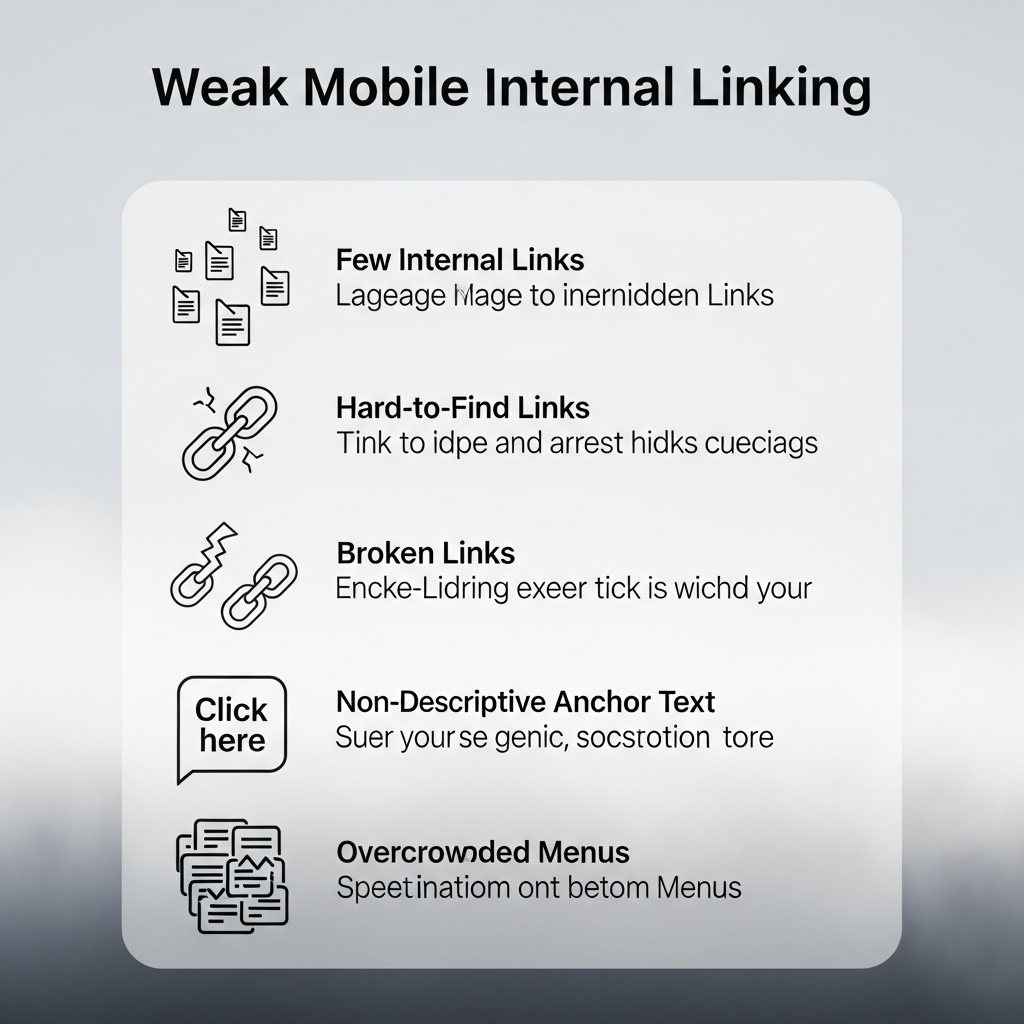
Some websites hide internal links on smaller screens to reduce clutter. That weakens page connections and affects crawlability.
Visitors should move between pages easily on mobile devices.
Clear navigation and relevant internal links help both users and search engines.
Anchor text also matters. Generic phrases like “tap here” provide very little context.
Descriptive links work better because they explain the linked content naturally.
A strong mobile SEO audit should always review how internal links appear on smaller screens.
Good mobile navigation often increases page views and engagement.
Ignoring Mobile Conversion Problems
Traffic alone does not help much if mobile visitors never take action.
Some websites focus heavily on rankings but ignore mobile conversions completely.
Forms may become difficult to fill. Contact buttons may not work properly. Checkout pages may feel frustrating on smaller screens.
These small problems reduce leads and sales quietly.
A mobile SEO audit should review the complete mobile user journey carefully.
Important areas include:
Contact forms
Click-to-call buttons
Checkout process
Navigation flow
Page responsiveness
A smooth mobile experience usually improves conversions naturally.
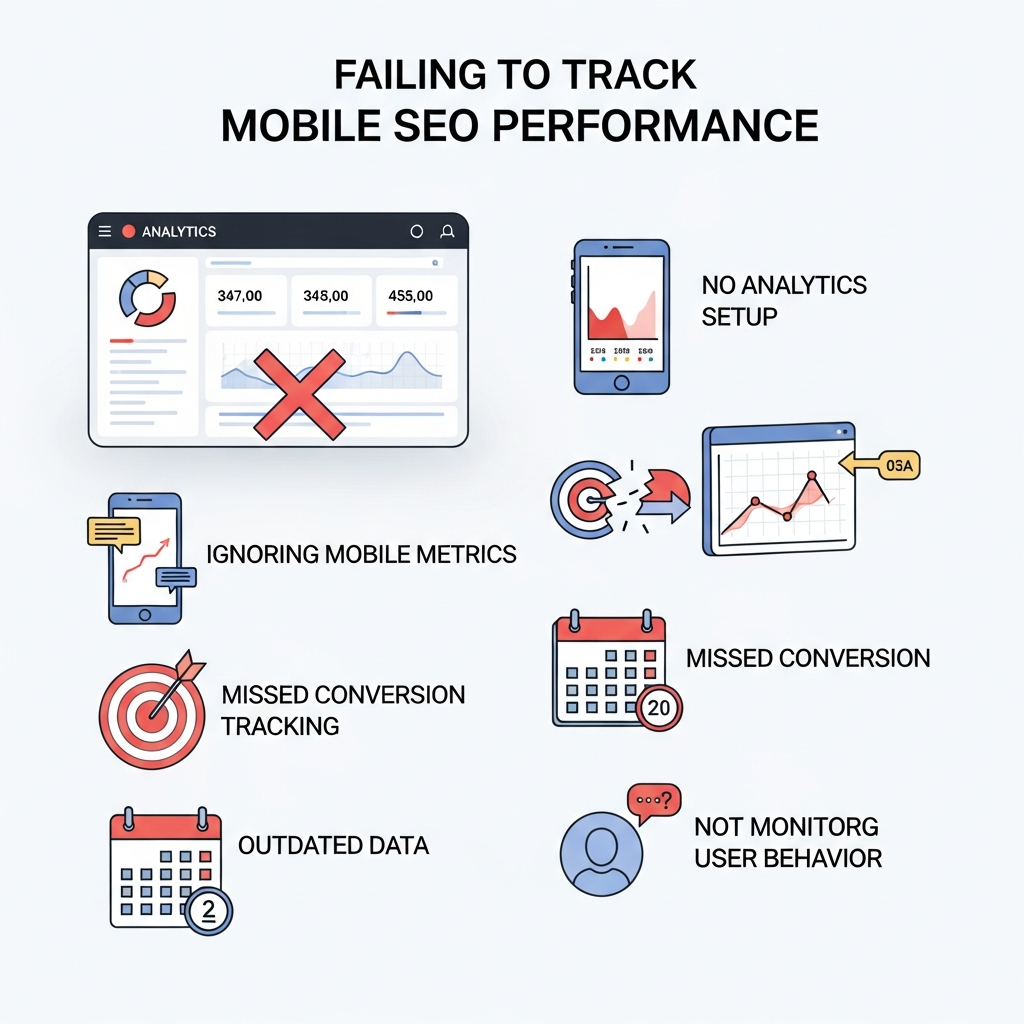
Failing to Track Mobile SEO Performance
Many website owners complete a mobile SEO audit once and never track results afterward.
That creates long-term problems.
Mobile rankings change constantly because search behavior keeps evolving. Competitors also continue improving their websites.
Without tracking performance, it becomes difficult to know what actually worked.
Important mobile SEO metrics should always be monitored regularly.
These include:
Mobile traffic
Bounce rate
Mobile keyword rankings
Conversion rate
Page speed
User engagement
Tracking helps identify hidden issues before traffic drops badly.
A proper mobile SEO audit should always include follow-up monitoring.
Final Thoughts
Many websites lose mobile traffic because they ignore small problems for too long.
Slow loading speed, weak layouts, technical errors, poor navigation, and mobile usability issues all affect rankings badly.
The good thing is that you can fix most mobile SEO problems with careful improvements.
A proper mobile SEO audit helps uncover the hidden issues that are quietly draining traffic.
Websites that load quickly, feel easy to use, and provide a smooth mobile experience usually perform better in search results.
Mobile SEO is no longer optional now. Most visitors already browse through phones, and search engines pay close attention to mobile performance.